
Can you add a third-party battery to an existing Deye or Growatt system?
Yes, when the existing inverter has a battery input and the new battery matches the complete interface: voltage range, continuous current, BMS protocol, CAN or RS485 pinout, firmware and approved system topology. A battery with the same brand, the same 48V label or the same RJ45 connector is not automatically a working replacement.
If the site uses a standard grid-tied inverter with no battery port, the battery does not connect directly to the PV inverter. The retrofit needs an AC-coupled battery inverter or a new hybrid inverter. That is a different project route.
Start with the existing system. Record the inverter nameplate, battery model, firmware and communication setup before choosing the replacement or expansion battery.
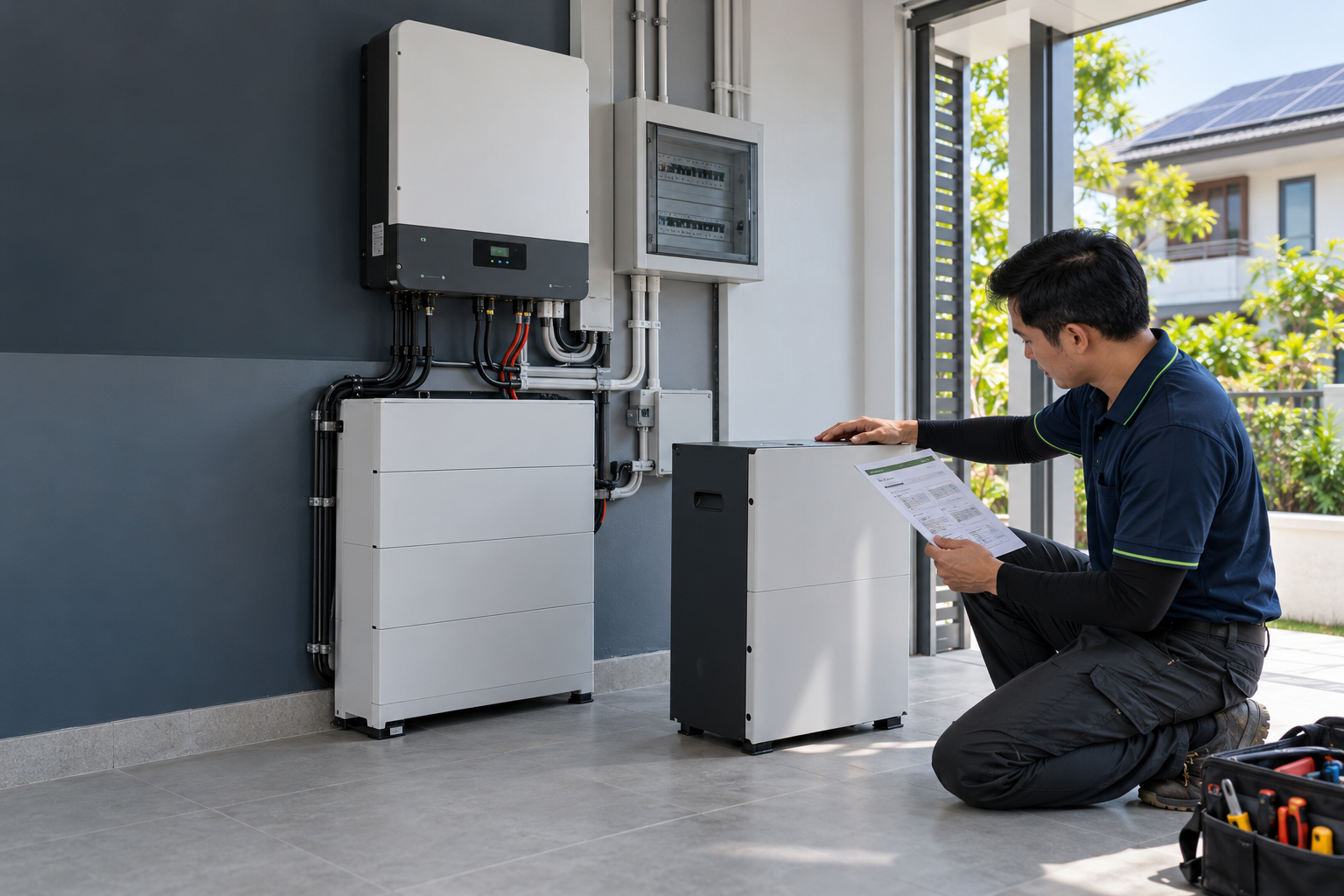
This guide is for distributors, installers and project buyers handling an existing Deye or Growatt installation. It separates battery replacement, battery expansion and AC-coupled storage, then gives a model-level checklist for the quotation and sample test.
1. Choose the retrofit route first
The same customer request can lead to four different designs. Identify the installed architecture before discussing capacity or price.
| Existing system | Direct third-party battery connection | Normal route | First check |
|---|---|---|---|
| Deye low-voltage hybrid inverter | Possible when the interface matches | Direct DC battery connection | 40–60V-class range, current, BMS profile and firmware |
| Growatt low- or high-voltage hybrid inverter | Possible with the matching battery profile | Direct DC battery connection | Exact MIN, MOD, SPH or SPF model and LV/HV suffix |
| Existing bank needing more capacity | Only with an approved expansion path | Parallel expansion or full bank replacement | Model generation, SOH, firmware and parallel limits |
| Normal grid-tied inverter with no battery port | No, not on the PV inverter DC side | AC-coupled battery inverter or hybrid replacement | AC topology, backup loads, meter and protection plan |
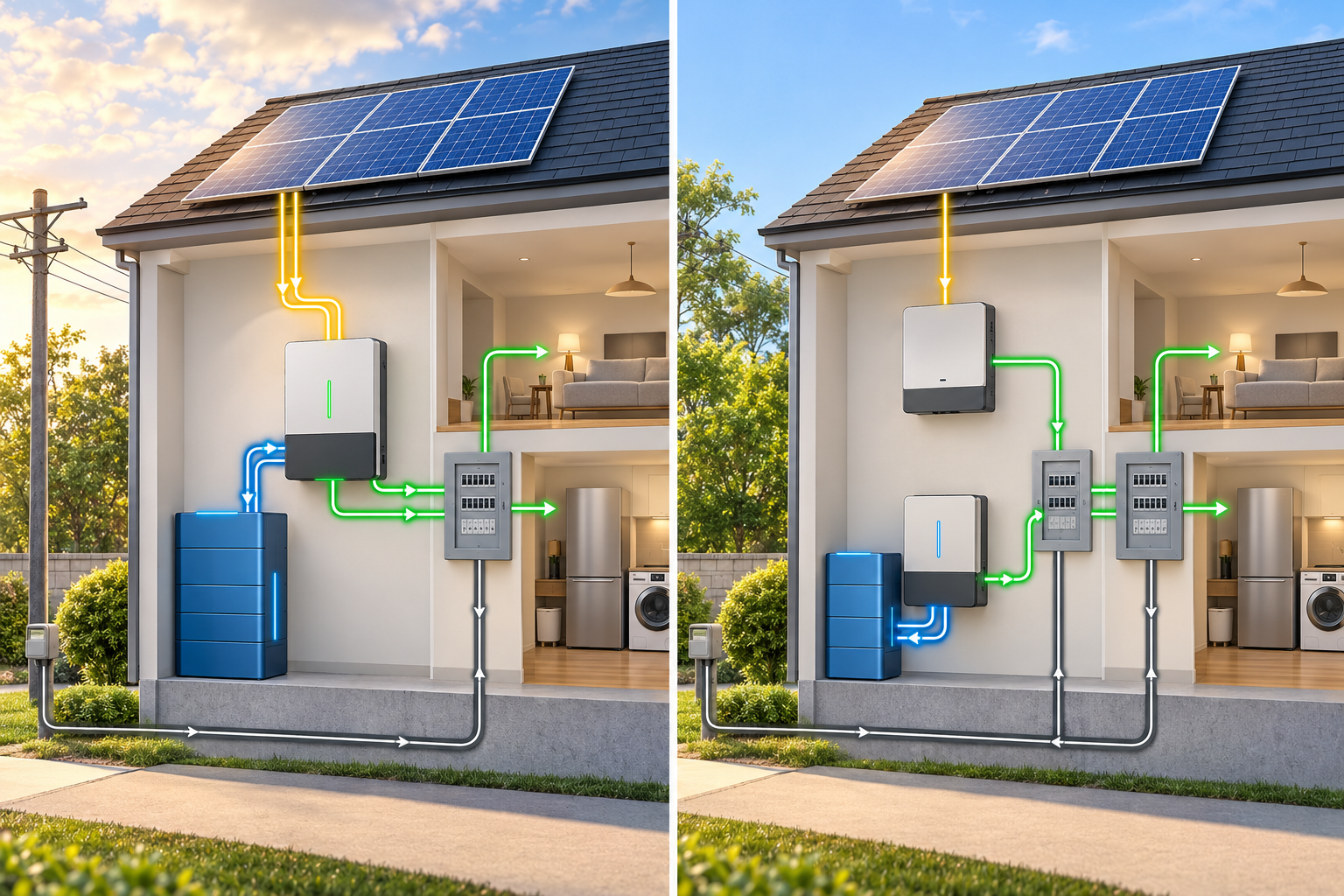
A direct DC retrofit uses the existing hybrid inverter’s battery controls. An AC-coupled retrofit adds a separate battery inverter and control path. The two designs do not share the same cable, protocol or commissioning checklist.
2. Replacement and capacity expansion are different jobs
Replacing the original battery
Replacement is the cleaner route when the original battery has failed, reached an unacceptable state of health or is no longer available. The new battery still has to match the inverter’s electrical and communication requirements.
Record the original battery’s full model, voltage range, maximum current, communication mode, firmware, installation date and fault history. Then compare the proposed battery line by line. A larger nominal kWh number does not settle the replacement question.
Adding capacity to the existing bank
Expansion adds energy. It does not raise the inverter’s AC output rating. A 5kW inverter remains a 5kW inverter after more batteries are connected.
For an expansion, the original and new batteries need a documented parallel configuration. Check model generation, cell chemistry, BMS firmware, state of health, cable length, current sharing, master/slave settings and the manufacturer’s warranty position. Same brand and same nominal voltage are not enough.
Adding a separate AC-coupled battery
AC coupling suits an existing solar-only system that should keep its current PV inverter. The new battery system has its own inverter/charger and connects on the AC side. This preserves the existing solar inverter, but it creates a new protection, metering and backup-load design.
Do not quote an AC-coupled battery as if it were a direct replacement for the Deye or Growatt battery port. It is a separate storage system.
3. The six compatibility gates before ordering
Gate 1: exact inverter model and voltage architecture
“Deye 5kW” and “Growatt 10kW” are not complete model records. Copy the full nameplate, including regional and voltage suffixes.
- Complete inverter model and regional suffix
- Single-phase or three-phase
- Low-voltage or high-voltage battery input
- Battery operating-voltage window
- Maximum charge and discharge current
- Inverter firmware version
- Current battery family and selected protocol
Gate 2: battery voltage and operating range
Compare the battery’s nominal voltage, normal operating range, charge limit and discharge cut-off with the inverter’s permitted range. A 51.2V label only describes the nominal platform. It does not describe the BMS, the cut-off values or the communication profile.
Gate 3: current and power
Use the battery-side current as a quick quotation check:
That 103A is a calculation reference. Compare it with the inverter’s maximum battery current and the battery BMS continuous discharge current. For an 8kW system, the same calculation gives about 165A. At 12kW, it gives about 247A. A single low-voltage module may not carry that demand, so the quote must show the approved parallel quantity and current-sharing arrangement.
Gate 4: CAN or RS485 physical connection
Confirm CAN or RS485, the RJ45 pinout, CAN-H/CAN-L or A/B wiring, baud rate, device address, termination resistor and master/slave settings. A cable that fits the socket can still carry the wrong signal mapping.
Gate 5: BMS protocol and data objects
The inverter needs more than a battery percentage. The BMS communication record should define SOC, voltage, current, temperature, charge-current limit, discharge-current limit, charge-voltage limit, alarm state and protection state.
If the inverter reads SOC but cannot receive the BMS current limits or protection status, the installation is not ready for a standard quotation.
Gate 6: firmware, parallel rules and warranty
Check inverter firmware, battery BMS firmware, the battery profile selected in the inverter menu, setup codes, maximum battery units and the approved parallel topology. Put the final combination in writing, including who supplies the firmware and who owns commissioning support.
4. Deye: how to check a third-party battery
Deye’s low-voltage and high-voltage product families use different battery architectures. A low-voltage Deye project can use a 40–60V-class battery range, while a high-voltage project uses a defined battery stack and module arrangement. Confirm the exact model before selecting the battery.
- Photograph the Deye nameplate and copy the complete model.
- Record the battery voltage window, maximum charge/discharge current and phase arrangement.
- Open the battery settings and record the selected battery type, CAN/RS485 mode and protocol.
- Compare the third-party battery’s BMS protocol, pinout, firmware and current limits.
- Check the current Deye approved battery list guide and the exact battery documents.
- Run a controlled sample test before approving a batch quotation.
Deye’s official SUN-3/3.6/5/6K-SG04LP1-EU product family uses a low-voltage battery range and model-specific current ratings. The official battery compatibility documents narrow the approved combinations further.
Use the approved list as evidence for communication and setup. Complete the project calculation with battery current, usable capacity, backup loads, cable protection and the parallel configuration.
5. Growatt: how to check a third-party battery
Growatt systems use different battery routes across MIN, MOD, SPH and SPF families, with both low-voltage and high-voltage variants. Record the complete inverter model before comparing ARK, APX, AXE or a third-party battery.
- Confirm the exact Growatt series, suffix, phase arrangement and battery voltage class.
- Record the maximum battery voltage, charge current and discharge current.
- Check whether the battery port uses CAN or RS485 and copy the pin definition.
- Record the protocol profile, baud rate, firmware and battery-brand setting.
- Compare the proposed battery against the exact model, not only the Growatt brand.
- Use the Growatt ARK, APX and AXE compatibility guide when the project uses an original Growatt battery family.
A third-party battery can work with a Growatt inverter when the supplier provides the correct communication profile and the complete system passes the commissioning test. The supplier should identify the exact Growatt models tested, not simply write “Growatt compatible” on a datasheet.
6. Three practical retrofit examples
Example 1: 5kW home backup with a low-voltage hybrid inverter
The customer wants to keep a refrigerator, router, lighting, television, computer and selected sockets during a power cut. The installed inverter is a 5kW low-voltage hybrid unit and the proposed battery is 51.2V.
The first-pass battery current is about 103A at 95% efficiency. Compare that value with the inverter’s maximum battery current and the battery’s continuous discharge rating. Then check the critical-load panel, not just the battery kWh. A 10kWh battery cannot make a 5kW inverter supply more than 5kW.
Example 2: 8–12kW home with heavy loads
Air conditioning, water pumps, induction cooking and electric water heating create a different battery-side demand. At 51.2V, an 8kW output is about 165A after the same efficiency assumption; 12kW is about 247A.
Compare the inverter current limit, battery-bank continuous current, parallel units, cable path and protection devices as one package. If the selected Deye or Growatt model belongs to a high-voltage family, use the matching HV battery architecture instead of assembling unrelated low-voltage units.
Example 3: ordinary grid-tied PV system adding storage
The customer has solar panels and a normal grid-tied inverter but no battery port. A third-party battery cannot be connected to the PV inverter’s DC input. The practical options are a separate AC-coupled battery inverter or a new hybrid inverter that manages PV and battery together.
The quotation then needs a new AC one-line diagram, meter or CT plan, protection settings, backup-load plan and commissioning test. This is a storage-system retrofit, not a battery swap.
7. Test the battery before the first retrofit order
A compatibility list starts the discussion. A controlled sample test decides whether the proposed battery is ready for the customer’s system.
Pre-test document pack
- Existing inverter model, firmware and nameplate photo
- Existing battery model, installation date and fault history
- Proposed battery datasheet and installation manual
- CAN/RS485 protocol version and pinout
- Battery BMS firmware and setup procedure
- Approved parallel quantity and wiring diagram
- Warranty statement for the exact configuration
Functional test
- Power up the battery and inverter using the supplier’s sequence.
- Confirm battery recognition and protocol selection.
- Record SOC, voltage, current and temperature on the inverter.
- Run a controlled charge test and confirm the BMS charge-current limit.
- Run a controlled discharge test and confirm the discharge-current limit.
- Check low-SOC response, alarms and protection messages.
- Test the selected backup loads and grid-restoration sequence.
- Save firmware versions, screenshots, current readings and test conditions.
Use the home battery sample acceptance checklist to turn the test into a repeatable purchasing record.
8. Stop the quotation when these signals appear
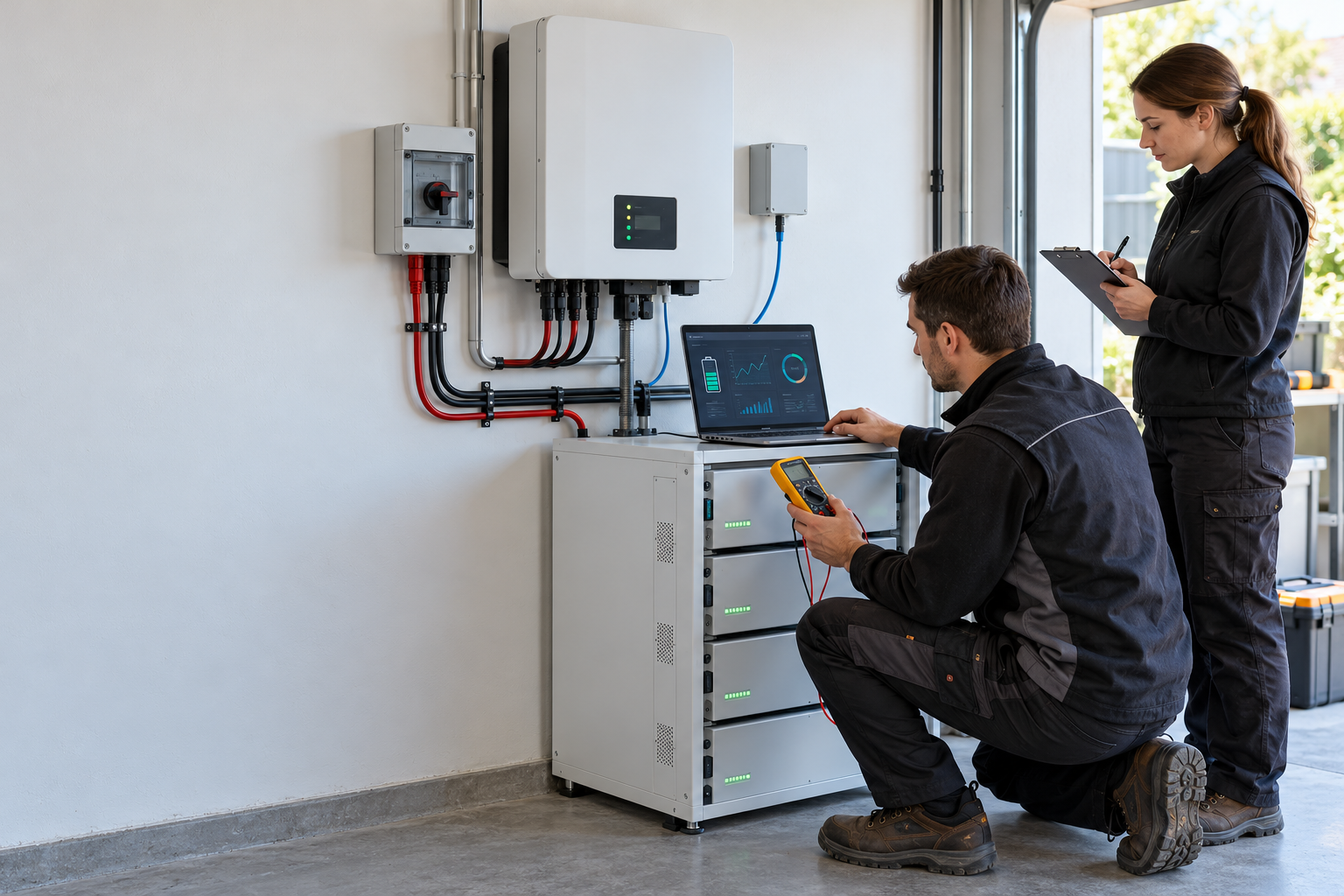
- The supplier says “Deye compatible” or “Growatt compatible” but gives no exact model.
- The battery voltage matches, but the protocol file is missing.
- The RJ45 connector fits, but the pinout is not documented.
- A firmware flash is required, but no party accepts responsibility for it.
- The original battery is discontinued and no replacement model is documented.
- The proposed bank mixes different generations without a written parallel procedure.
- The supplier cannot provide SOH, fault history or a sample test.
- The inverter is already at its battery-unit or current limit.
- The warranty excludes the proposed mixed or third-party configuration.
These are the signals that turn a low-cost battery quote into a return shipment, a second site visit or an unresolved warranty claim.
9. CVC can match the battery and the existing system
CVC helps distributors and installers source a third-party battery around the equipment already installed at the customer site. The work starts with the exact inverter and battery record, then moves through supplier documents, sample testing and the batch quotation.
Send the Deye or Growatt model, current battery model, battery voltage, target capacity, destination country and any available firmware or fault screenshots. CVC can coordinate the product match, supplier communication, sample request, technical documents and export quotation.
Browse CVC energy storage batteries or send the project details through the CVC contact page.
Common questions
Can I add any 48V battery to a Deye inverter?
No. The battery must match the inverter’s voltage range, current limits, BMS protocol, pinout, firmware and approved topology.
Can I mix a new battery with the old battery in a Growatt system?
Only when the manufacturer approves the exact model, generation, firmware and parallel configuration. Same brand and nominal voltage do not settle the decision.
Can I connect a third-party battery to a normal grid-tied inverter?
Not directly. Use an AC-coupled battery inverter or replace the existing inverter with a suitable hybrid model.
Does a compatible cable prove that the battery is compatible?
No. The cable provides the physical connection. The protocol and data mapping still have to match.
Sources and downloads
The technical references in this article include Deye product and battery-compatibility documents, Growatt product and energy-storage configuration documents, and CVC’s model-level communication and sample-acceptance checklists. The CVC Download Center keeps the available public documents and buyer guides together. For a live quotation, use the current model manual and compatibility file for the exact regional version.
Official reference pages include the Deye battery document index, Growatt MIN XH, Growatt MOD XH and the Growatt Energy Storage Configuration Quick Check List.

Peter Yin
Need a Third-Party Battery for Deye or Growatt?
Send the inverter model, existing battery, voltage, target capacity and destination market. CVC can organise the compatibility check and supplier follow-up.