
Once a home battery sample arrives, the distributor needs a documented acceptance process—not just a power-on check. This checklist covers the tests and records to complete before approving the sample for the next commercial step.
A sample is not accepted simply because it charges and discharges.
After arrival, match the physical unit with the quoted model, check basic electrical behavior, confirm BMS and inverter communication, review the supplied documents, record exceptions and lock the tested version before releasing a first purchase order.
A sample that powers on is only the first test result. It is not an acceptance decision.
What an accepted sample record should prove
A passed sample gives the buyer a written record that the tested unit matches the commercial offer and the intended system. It should confirm:
- the model, chemistry, capacity and voltage;
- the actual label, serial number and production version;
- basic charging and discharging behavior;
- BMS data and alarm visibility;
- communication with the target inverter;
- accessories, packaging and manuals;
- expansion and future support conditions;
- the documents and version that will apply to the first batch.
This matters because storage problems often appear after the sample stage. A battery may work as a standalone unit but fail to communicate with the selected inverter. A product may support capacity expansion on paper while the next-generation module uses a different voltage platform or BMS version. A low-priced battery may also turn out to be old stock or a different chemistry from the one the buyer expected.
The sample acceptance record should close those gaps before the purchase order is released.
Lock the sample identity before testing
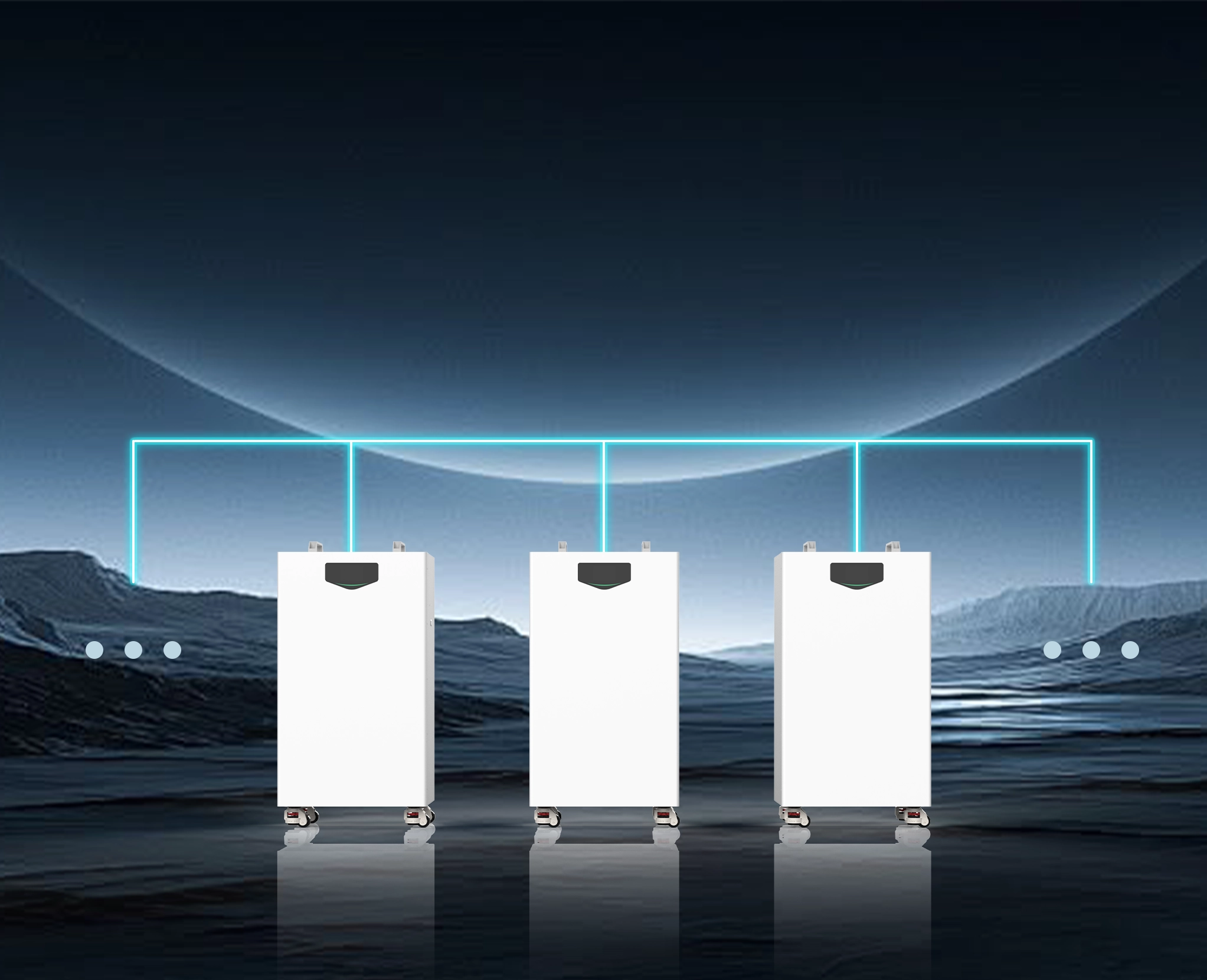
Start with the label and order documents. Do not begin with the monitoring app.
Record the following items before connecting the battery:
| Item | What to record | Why it matters |
|---|---|---|
| Model | Exact model code and suffix | Similar names can represent different voltage platforms or enclosure versions |
| Chemistry | LiFePO4, NMC or another chemistry | Chemistry affects voltage, charging limits and documents |
| Nominal voltage | For example, 51.2V | The inverter must match the battery’s operating range |
| Rated capacity | For example, 314Ah | Capacity alone does not prove usable energy or power capability |
| Nominal energy | For example, 16.076kWh | Check the calculation against the published specification |
| Production date | Month, year and batch | Old stock may have different firmware, labels or support status |
| Cell and BMS version | Cell model, BMS model and firmware where available | Version changes can affect communication and expansion |
| Serial number | Photograph and written record | Needed for traceability, warranty and later claims |
| Label and documents | Compare the label, datasheet, manual and quotation | A mismatch must be resolved before the PO |
For example, the published M16S314BL-YV configuration uses a 51.2V nominal voltage and a 314Ah rated capacity:
51.2V × 314Ah = 16.0768kWh
That is consistent with the published 16.076kWh nominal energy figure after rounding. The calculation confirms the relationship between voltage, capacity and nominal energy. It does not replace a charge-discharge test.
Use the M16S314BL-YV 16kWh LiFePO4 home battery as a parameter reference, then check the exact model and latest datasheet for the sample being evaluated.
Check the package, enclosure and accessories
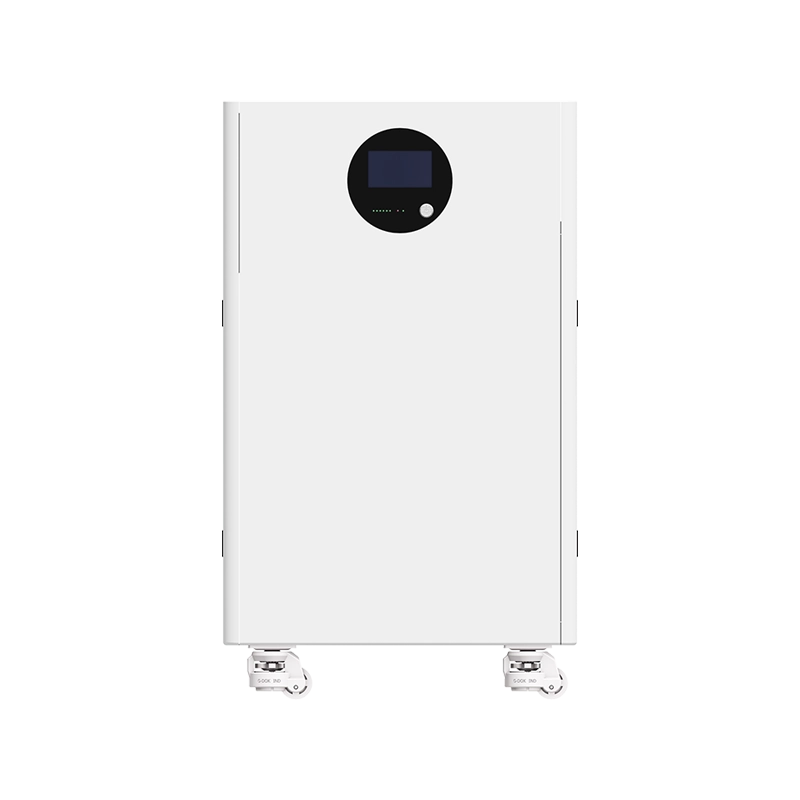
A battery can leave the factory in good condition and arrive with a damaged enclosure, missing cable or incomplete document pack. Receiving inspection catches this before installation.
Check the outer package first:
- water marks, crushing, punctures or broken straps;
- shock indicators or transport damage, where used;
- model and serial number on the carton;
- dangerous-goods marks and handling labels;
- packing list and accessory count.
Then inspect the battery:
- enclosure deformation or cracks;
- loose panels, handles, wheels or mounting points;
- damaged terminals or protective covers;
- breaker, switch, LCD or indicator damage;
- unusual smell, heat or sound;
- signs of moisture or corrosion.
Open the accessory package and count every item against the packing list. Include communication cables, power cables, mounting hardware, terminal covers, manuals and spare parts.
This is a simple step, but it catches real commercial problems. Battery buyers have reported units that could not charge when they arrived, packages that lacked promised accessories, and products that were difficult to return after a fault was found. A distributor should record the condition with photographs before the unit is installed.
Run basic electrical and functional checks
The first functional test should answer a narrow question: does the sample behave within its published operating range?
Record the test conditions. At minimum, note:
| Test item | Record these conditions |
|---|---|
| Starting SOC | SOC shown before charging or discharging |
| Charging source | Inverter, charger or test equipment |
| Charge current | Set current and measured current |
| Discharge load | Load type and power |
| Test duration | Start and end time |
| Voltage | Battery voltage before, during and after the test |
| Temperature | Ambient and battery temperature |
| Alarm status | Code, time and recovery action |
| End condition | Cut-off, low SOC, manual stop or fault |
The basic sequence is:
- Confirm the battery powers on.
- Read voltage, SOC and temperature.
- Start charging at the supplier’s recommended setting.
- Record whether the current is stable and whether the BMS reports normal status.
- Run a controlled discharge with a known load.
- Record voltage, current, temperature and SOC.
- Check the battery after the test for alarms, heat, smell or abnormal noise.
Do not describe a ten-minute discharge as a capacity test. A capacity result needs defined current, start SOC, end voltage, temperature and test equipment. If the buyer needs a formal capacity report, ask the supplier or an independent test laboratory to provide it.
The same rule applies to cycle-life claims. A published cycle figure is meaningful only with its test conditions, such as charge current, discharge current, temperature, depth of discharge and end-of-life threshold.
Verify the BMS and inverter communication
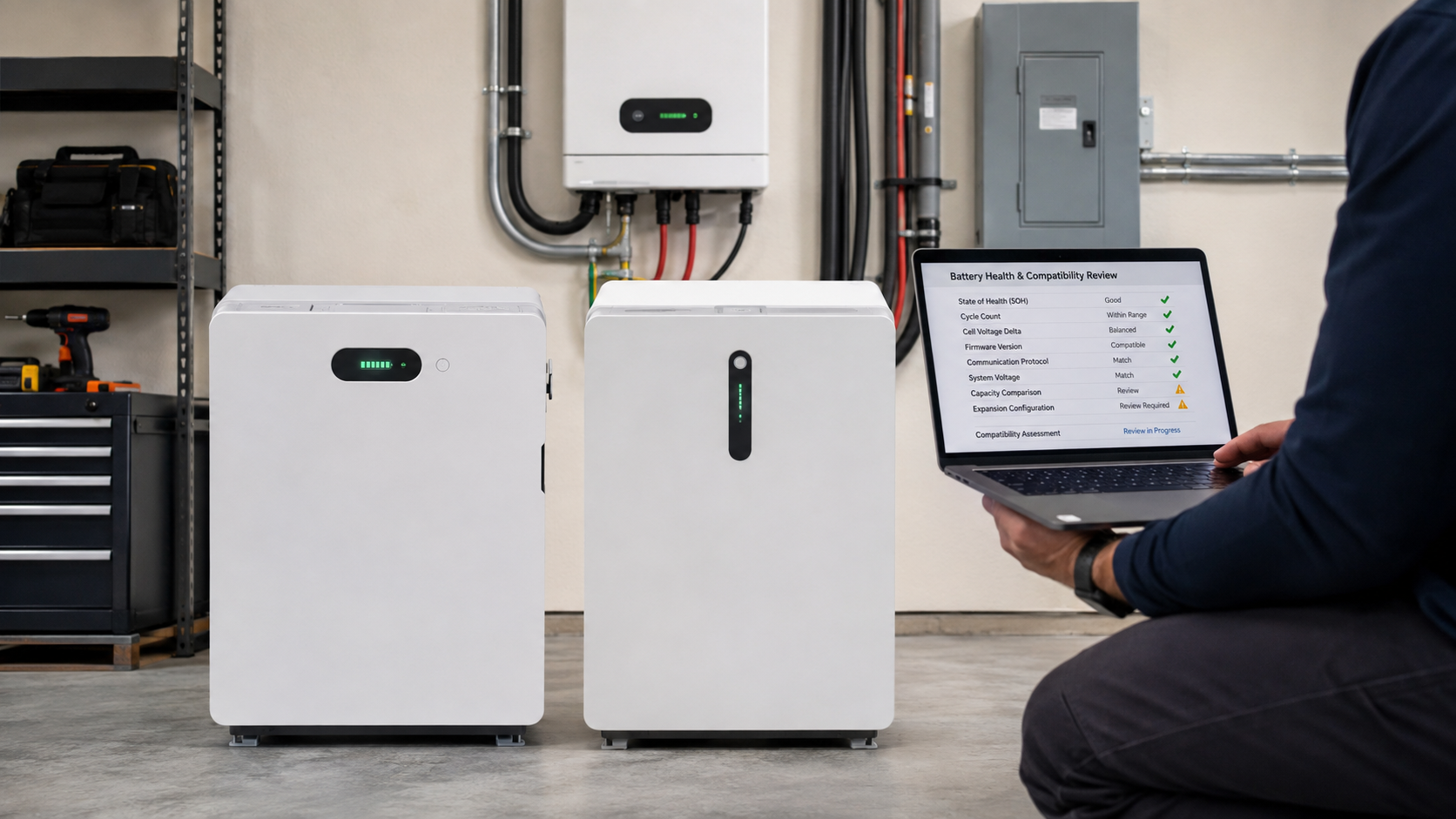
This is where many samples fail.
A battery may have a CAN or RS485 port and still fail to communicate with the inverter. The interface label only identifies the hardware connection. It does not confirm the application protocol, pin assignment, data map or firmware support.
Check communication in four layers:
| Layer | What to verify |
|---|---|
| Electrical | Battery voltage range, charge limit, discharge limit and current capability |
| Physical interface | CAN, RS485, RS232, connector type and cable |
| Network settings | Pinout, baud rate, address, termination and parallel-battery settings |
| Application protocol | Data format, register map, SOC, alarms, charge limits and firmware support |
Before approving the sample, request:
- the BMS communication protocol sheet;
- the CAN or RS485 pinout;
- baud rate and address settings;
- the approved inverter list;
- the required inverter firmware version;
- the battery firmware version;
- parallel communication instructions;
- wake-up and sleep procedures;
- fault-code and recovery instructions.
Then test the actual combination. Use the exact inverter brand and model that the distributor plans to sell or install.
The acceptance record should state which of these conditions has been reached:
| Communication status | PO decision |
|---|---|
| The battery has a CAN or RS485 port | Do not approve yet |
| The inverter receives some battery data | Continue testing |
| The inverter identifies the battery model and SOC | Check limits and alarms |
| Charging, discharging, SOC, alarms and limits work correctly on the target inverter | Communication test passes |
A compatibility statement should name the battery model, inverter model, protocol, cable or pinout, firmware and test result. “Supports CAN” is not enough.
For a broader explanation of voltage, protocol and communication checks, see the battery and inverter compatibility checklist.
Record protection and alarm behavior
A distributor does not need to trigger dangerous faults to accept a sample. The job is to confirm that normal operating limits, alarms and service instructions are visible and documented.
Check:
- whether the BMS reports over-temperature, over-current and low-voltage alarms;
- whether the inverter receives the alarm;
- whether the alarm code is recorded in the manual or fault-code list;
- whether the battery can return to normal operation through the documented procedure;
- whether the supplier provides a clear service contact;
- whether the warranty explains what happens after a protection event.
If the sample shows swelling, leakage, abnormal heat, smoke, repeated short-circuit protection or a damaged terminal, stop the test. Isolate the unit according to the supplier’s safety instructions and contact professional after-sales support.
Do not open the enclosure, replace the BMS or force a battery wake-up with another battery. A customer may find those suggestions in online forums, but they create a safety and warranty problem for a distributor. The supplier or qualified service team should handle internal faults.
Check expansion and lifecycle support
“Expandable” is a purchasing claim that needs a model-level answer.
Ask the supplier:
- Which battery models can be added later?
- Must all modules have the same model and production batch?
- Is there a permitted age difference between modules?
- Must the BMS firmware match?
- Can the inverter support the expanded capacity and current?
- Is the expansion method parallel, series, high-voltage stacking or a separate cluster?
- Does the warranty cover the expanded system?
- What happens if the original module is discontinued?
One customer feedback record described a 5kWh module being replaced by a 7kWh model that could not be mixed with the older unit. That is a lifecycle problem, not a simple capacity problem.
The PO should name the approved expansion path. “Supports expansion” should not be left as a single line in a brochure.
Lock the document and production version
The sample is not approved until the buyer knows which documents and configuration the first batch will follow.
Create a version record containing:
- datasheet number and revision;
- installation manual revision;
- warranty version;
- BMS protocol version;
- firmware version;
- cell model;
- enclosure and label artwork;
- packaging artwork;
- accessory list;
- certification and transport documents;
- approved sample photographs;
- serial-number or traceability format.
The sample approval sheet should become an attachment to the purchase order. It should identify the model, voltage, capacity, BMS, communication setup, packaging, accessories and document revisions.
This protects the buyer from a common version problem: the sample passes, but the production team receives a different drawing, firmware, label or accessory list.
Use three results: pass, hold or reject
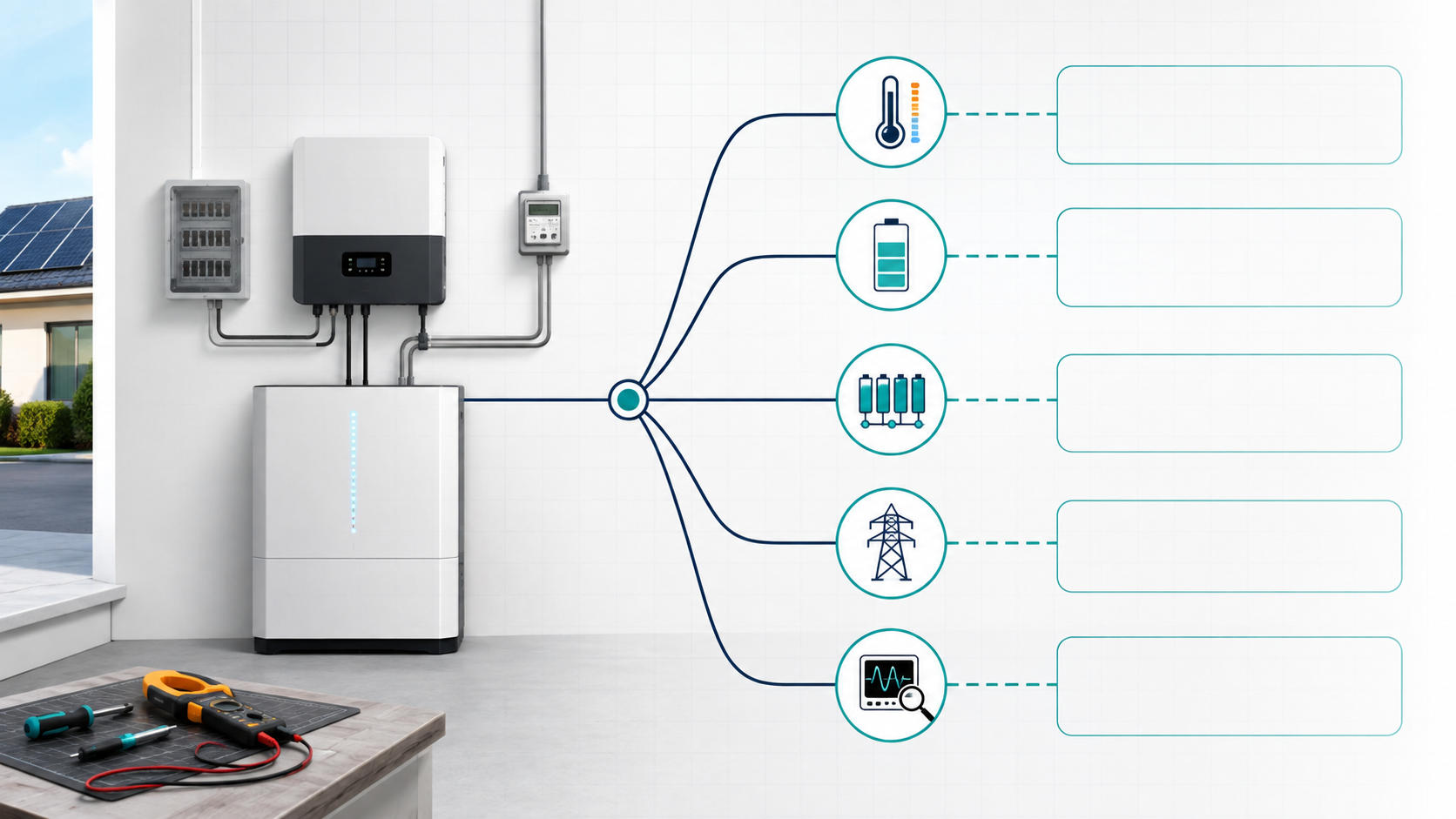
Pass: ready for PO discussion
Approve the sample for the next commercial step when:
- the model and chemistry match the quotation;
- the label, serial number and documents match;
- basic charging and discharging work as expected;
- the target inverter recognizes the battery;
- SOC, alarms and charge/discharge limits are visible;
- packaging and accessories are complete;
- the expansion path is documented;
- the production version is locked.
Hold: supplier action required
Place the sample on hold when:
- the battery works but the protocol sheet is missing;
- the label and datasheet show different values;
- the expansion model is not confirmed;
- accessories or packaging are incomplete;
- the alarm code is unclear;
- the supplier has not confirmed the firmware or inverter version;
- the sample needs a repeat test under documented conditions.
A hold is useful. It gives the supplier a list of actions before money and stock are committed.
Reject: do not release the first PO
Reject the sample when:
- the chemistry, model or key electrical parameters differ from the quotation;
- the battery shows unexplained protection behavior;
- the target inverter cannot communicate with the battery;
- the enclosure or terminals are damaged;
- safety-related damage is visible;
- the supplier will not provide the documents needed for installation and service;
- the production version cannot be locked.
Separate distributor checks from professional service work
A distributor can complete the receiving and document check. An installer or engineer should complete system commissioning.
| Responsibility | Suitable checks |
|---|---|
| Distributor | Model, label, packaging, accessories, manuals, basic display and test records |
| Installer or engineer | Power wiring, inverter settings, CAN/RS485 communication, parallel setup and commissioning |
| Manufacturer or qualified service team | Internal BMS faults, damaged cells, protection-board replacement, insulation faults and abnormal heat |
This division keeps the sample process practical. It also prevents a distributor from turning a product complaint into an unsafe repair attempt.
The sample acceptance record
Use one record for every sample. The form should include:
- supplier and factory;
- battery model;
- serial number;
- production date;
- chemistry;
- voltage and capacity;
- cell and BMS information;
- inverter model;
- communication protocol;
- test date and operator;
- charging results;
- discharging results;
- alarm records;
- packaging and accessory check;
- document revision;
- expansion confirmation;
- supplier corrective actions;
- final result: Pass, Hold or Reject.
A sample is ready for a first purchase order when this record is complete, not when the battery simply turns on.
FAQ
Can I place a bulk order if the sample charges and discharges normally?
No. Add the model, document, communication, alarm, packaging and production-version checks before releasing the PO.
Does a CAN port prove that the battery is compatible with my inverter?
No. Confirm the pinout, protocol, baud rate, firmware, inverter model and operating limits. Then test the complete combination.
Do distributors need to perform a full capacity test?
A distributor can record a controlled functional test. A formal capacity result needs defined current, voltage, temperature, end point and test equipment. Request a supplier or third-party test report when the project requires it.
Can I open the battery if the sample shows an alarm?
No. Stop the test and contact the supplier or qualified service team. Internal BMS and cell work should not be handled as a distributor receiving check.
What should be attached to the first purchase order?
Attach the approved sample record, final datasheet, manual, warranty, communication document, packaging and accessory list, and any agreed certification or transport files.
Need help checking a home battery sample?
CVC can help distributors organize the sample information, match the battery with the intended inverter, request communication and testing documents, and coordinate supplier corrections before the first purchase order.
Send CVC:
- target country;
- battery model or required capacity;
- planned order quantity;
- inverter brand and model;
- sample photos or test records;
- documents that are missing;
- expected purchase date.
Need Help Checking a Home Battery Sample?

Peter Yin
Continue the review with the project sheets: Sample Approval Checklist · BMS and Inverter Communication Requirements · Certification and Documentation Request List · OEM/ODM support
Need Help Checking a Home Battery Sample?
Send the battery model, target inverter, country, order quantity and available test records. CVC can help organize the document check and coordinate supplier feedback before the first purchase order.