
When the power goes out, a shop owner may have only one urgent question: will the router, payment terminal and CCTV system stay online, or will everything reboot together?
An outdoor creator asks a different version of the same question. If a camera is recording a sponsored video at a campsite, can a portable power station run the laptop, camera charger, LED light and mobile router until the shoot is finished?
The answer is conditional. A portable power station can keep small network, security and content-creation loads running for hours. But battery capacity alone does not prove that the connected devices will stay online during the change from grid power to battery power. You must check five separate things: UPS transfer time, AC bypass behavior, automatic restart, low-load shutdown and the actual load in watts and volt-amperes.
The same power station is solving several different customer problems
The customer does not usually begin with a battery specification. They begin with work that must continue.
1. The shop owner who cannot lose payments or security footage
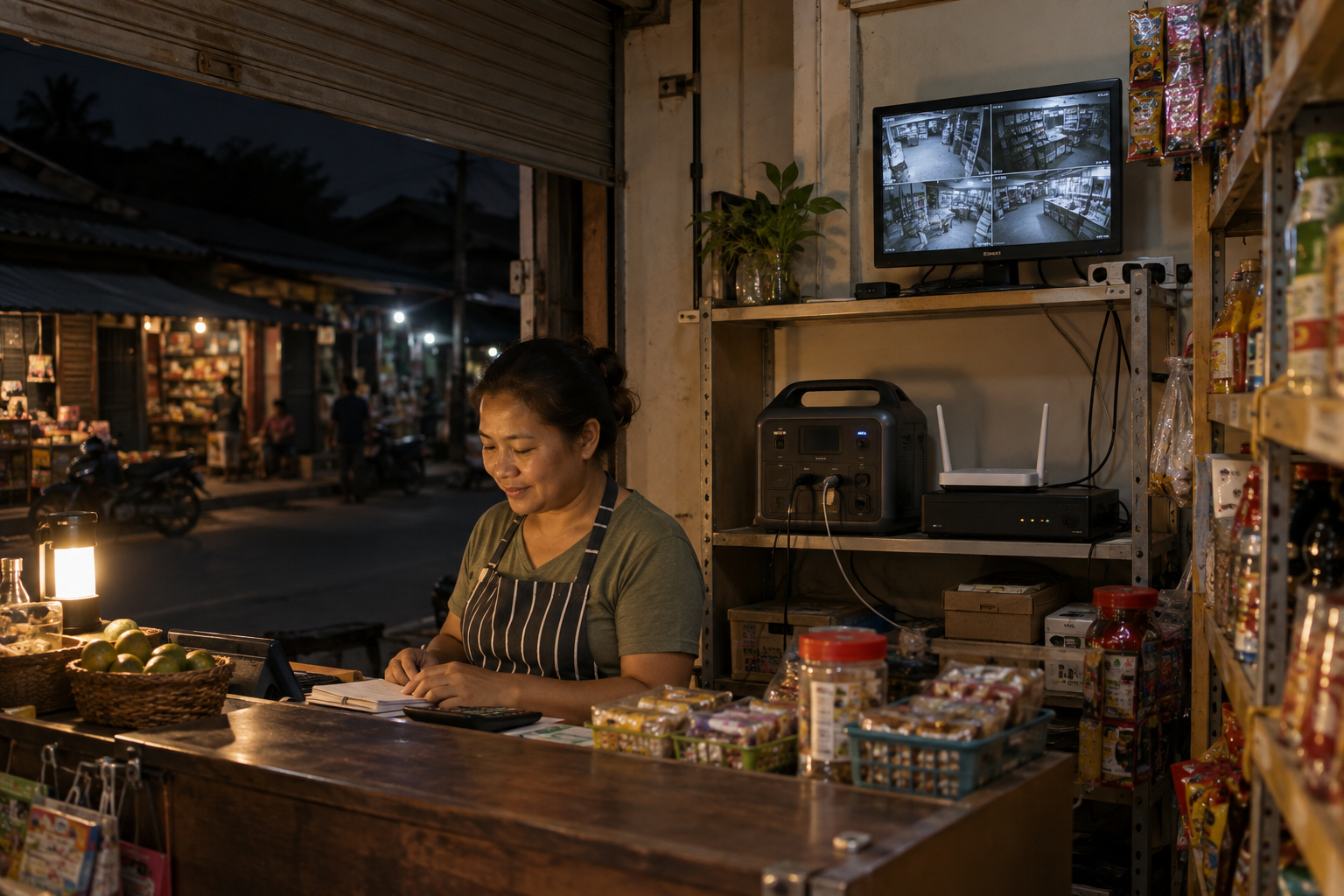
Imagine a small shop in a market district. The owner uses a 4G router or fiber router for digital payments, a network video recorder for CCTV, a small monitor to check the cameras and a few lights near the counter.
During a short outage, the cost is not limited to lost lighting. The payment terminal may disconnect, the owner may lose remote access to the shop and the NVR may stop recording. If the router restarts, the cameras may take several minutes to reconnect. If the NVR restarts with an unclean shutdown, the owner may also worry about the hard disk.
For this customer, the buying question is not “How many hours can 1,000Wh run?” It is:
- Does the router lose power during the transfer?
- Does the NVR restart automatically?
- Is the monitor part of the backup load, or can it be switched off?
- How much power do the cameras draw through PoE?
- Does the station remain on when the router’s load is small?
2. The remote worker or online teacher who needs the connection more than the whole house
A remote worker may need only a router, laptop, monitor, phone charger and one desk lamp. An online teacher or customer-service worker may also need a headset, small speaker or 4G backup device.
The laptop may be the largest continuous load. The router is small, but it is the device that makes the work possible. A system that keeps the laptop alive but lets the router reboot has not solved the customer’s main problem.
For this use case, the customer should record the charger labels before choosing the model. A planning example might look like this:
| Device | Planning value | Why it matters |
|---|---|---|
| Wi-Fi router and optical network terminal | 10–20W combined | Small load, but sensitive to an interruption |
| Laptop charger | 45–65W | Check the charger label, not only the laptop model |
| External monitor | 25–40W | Optional load that can shorten runtime |
| LED desk light | 8–12W | Low load, but may contribute to low-load shutdown behavior |
| Phone charging | 5–20W | Intermittent rather than continuous |
The total may look small. The transfer test is still the first test.
3. The outdoor creator who cannot stop recording halfway through a shoot
An outdoor video creator may be carrying more equipment than a normal camping customer:
- camera battery charger;
- laptop for backing up footage;
- LED panel light;
- wireless microphone receiver;
- phone or tablet;
- 4G router or hotspot;
- small fan or USB light in a warm tent;
- spare batteries charging while the main camera is recording.
The power demand changes throughout the day. A camera charger may draw power only while a battery is charging. A laptop may jump between light editing and heavy video export. An LED panel can be dimmed, but the creator may need it at full brightness during an interview.
This is why a creator should calculate both the average load and the worst simultaneous load. A 1kWh unit may be comfortable with a laptop, router and battery charger, but much less comfortable if a monitor, full-power LED panel and several chargers are added at the same time.
The other issue is the environment. A portable power station used at a campsite should be kept under a dry canopy, inside a vehicle or in another protected position unless the final model has an outdoor enclosure rating. The IESS-05K10N example below is a protected-use product configuration, not a claim that every portable power station is weatherproof.
4. The field technician who needs tools and communication, not a whole office
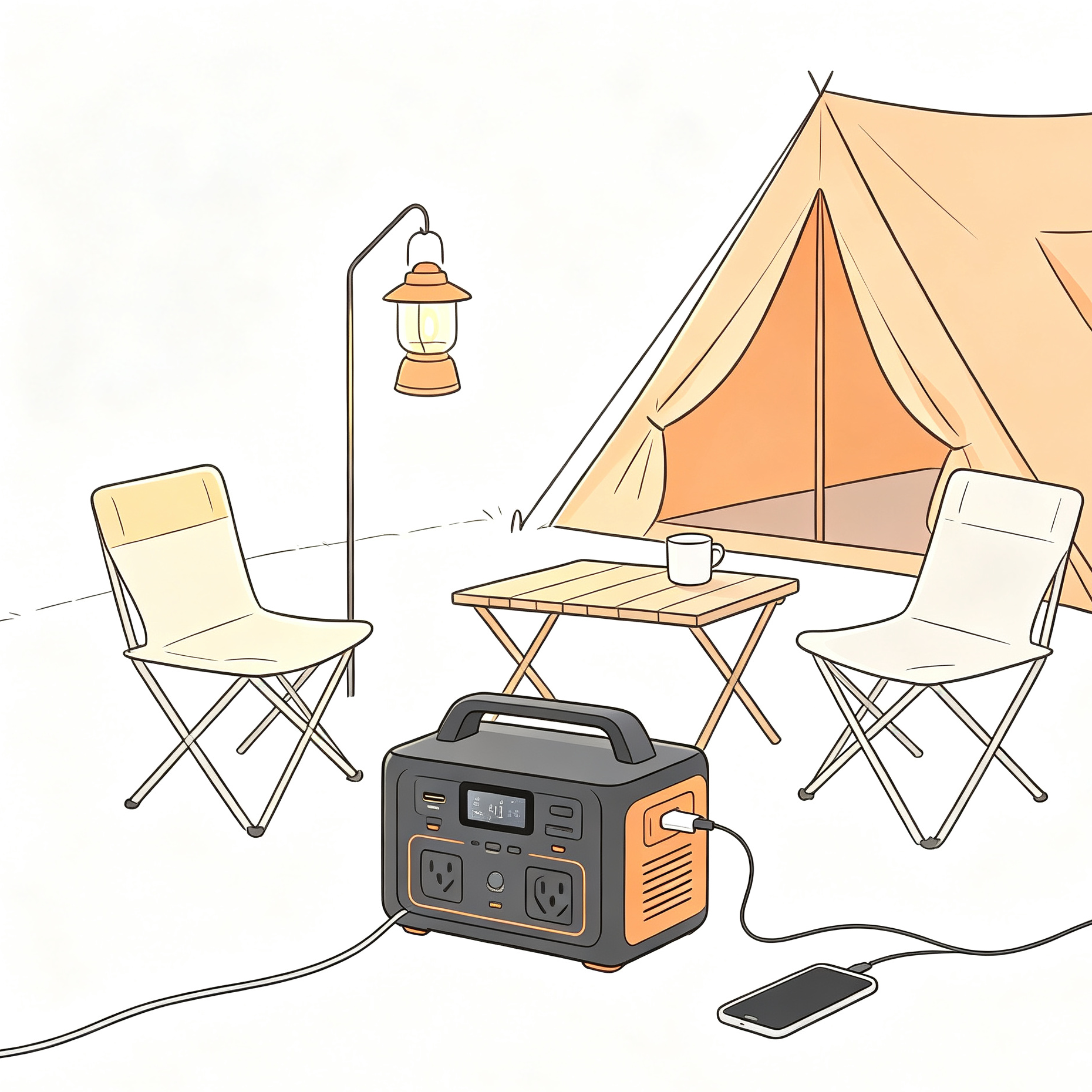
A solar installer, telecom technician or service engineer may use a laptop, diagnostic instrument, phone charger, inspection light and a small soldering or networking tool at a temporary site.
This customer usually cares about:
- whether the AC output can handle the tool’s start-up behavior;
- whether the battery can be recharged from PV or the grid between jobs;
- whether the product is easy to carry and protect from dust and rain;
- whether the DC and USB ports have the right voltage and current;
- whether the station can be left on without switching off at a low load.
The word “portable” does not remove the need to check output power. A 1,000Wh battery with a 500W inverter is still a 500W AC source.
5. The security installer or distributor who must avoid a failed recommendation
An installer may not be the final user, but the installer owns the first technical conversation. If the recommended station causes a router or NVR to reboot, the customer will usually blame the whole backup solution, not the missing transfer-time check.
For a distributor, the product must also be easy to explain and repeat. The sales team needs a short answer to four questions:
- Which loads can it support?
- How long will those loads run?
- Will the customer’s network and security devices stay online during an outage?
- What documents and test evidence can be supplied with the model?
A portable power station must pass two different tests
There are two separate gates.
Gate 1: continuity during the changeover
This is the UPS question. When grid power disappears, the station must detect the change, disconnect or bypass the grid path as designed, start the inverter and provide acceptable AC output quickly enough for the connected device.
The published switch time for a model is useful, but it is not a guarantee for every device combination. The power supply inside a router, NVR or monitor may react differently from another model. A product advertised with a short transfer time still needs to be tested with the actual load.
Gate 2: enough stored energy and output power
This is the battery-sizing question.
Use the following planning formula:
Estimated runtime = usable battery energy ÷ actual average loadFor an early estimate, a 1,000Wh product may be modeled with about 800–900Wh of usable energy. The real value depends on reserve settings, inverter efficiency, temperature, battery age, output type and protection limits.
The output power check is separate:
Continuous AC output ≥ all loads running together
Peak AC output ≥ the largest start-up event
Do not use a large Wh number to hide a small inverter.
What “UPS backup” should mean in the product specification
When a supplier writes “UPS,” ask for the behavior behind the word.
| Item to check | The question to ask | What a buyer should record |
|---|---|---|
| Transfer time | How quickly does the AC output move from grid to inverter? | Stated value, test condition and actual device result |
| AC bypass | Does the load receive utility power directly when the grid is available? | Bypass topology and whether the changeover interrupts the load |
| Auto-restart | What happens when grid power returns? | Does AC output recover without pressing a button? |
| Low-load shutdown | Will a small router load be treated as no load? | Threshold, timer and whether it can be disabled |
| Output waveform | Is the inverter output pure sine wave? | Waveform, voltage, frequency and load condition |
| Long-term plugged-in use | Can the station remain connected to the grid for days or weeks? | Operating mode, charging behavior and thermal limits |
| DC output | Can the router use a regulated DC port directly? | Voltage, current, connector size and polarity |
“Pass-through,” “bypass,” “EPS” and “UPS” are often used loosely in product listings. They should not be treated as identical until the manual and test result show how the specific model behaves.
A real product reference: IESS-05K10N 1kWh Portable Power Tank
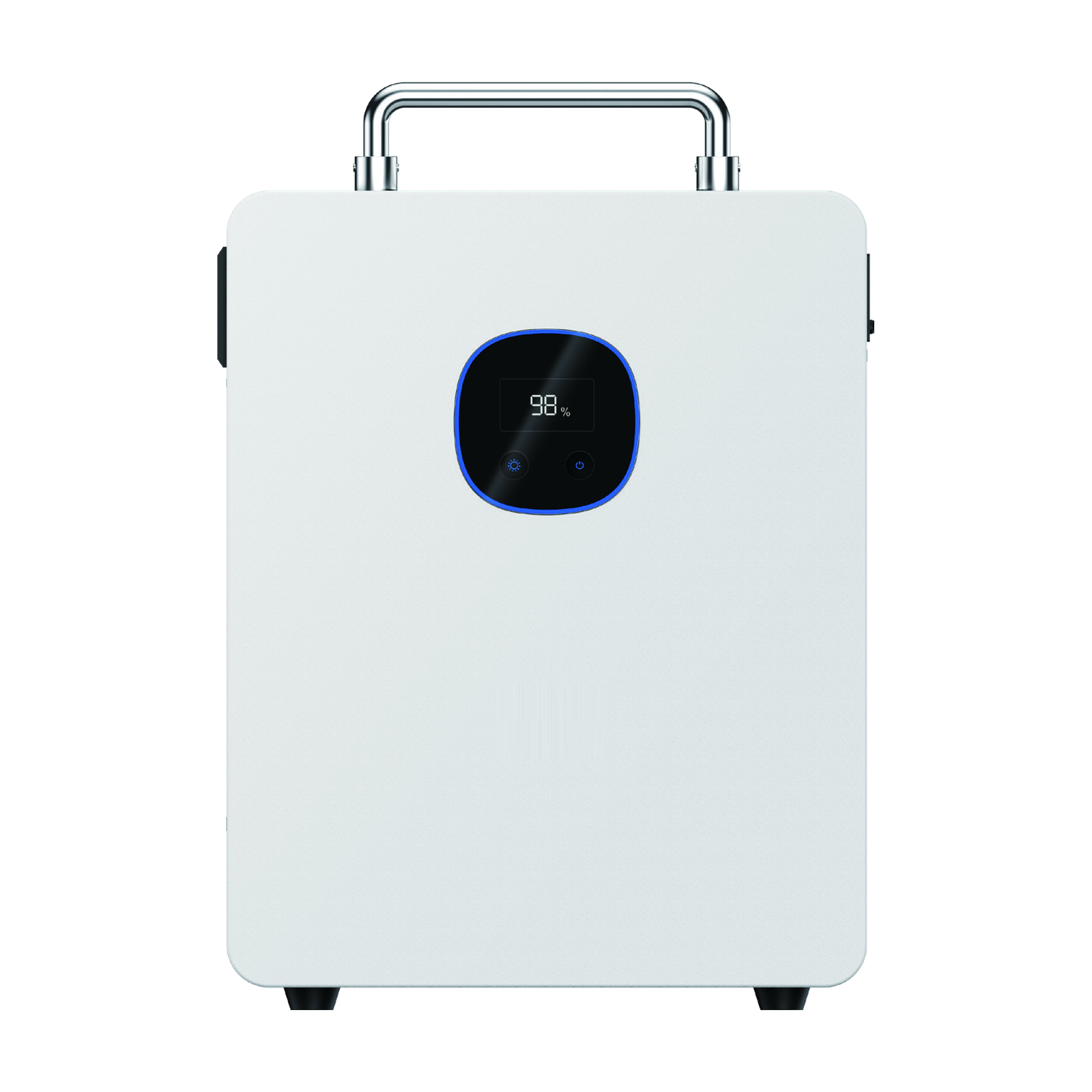
The IESS-05K10N is one CVC product reference for compact backup and mobile-power discussions. It is not a universal answer for every router, NVR or camping setup.
The current product material lists:
| Parameter | IESS-05K10N reference value | How to use it in a customer discussion |
|---|---|---|
| Battery energy | 1,000Wh | Starting point for runtime estimation, not guaranteed usable energy |
| Battery chemistry | LiFePO₄ | Relevant to product positioning and lifecycle discussion |
| Rated AC output | 500W | Maximum continuous-load gate in the stated configuration |
| Maximum apparent power | 600VA | Check W and VA when using several electronic chargers |
| PV input | 400W maximum | Useful for off-grid and camping recharge planning |
| MPPT voltage range | 11–60V | Solar source must remain inside the stated range |
| AC output | 230VAC | Confirm destination-market plug and voltage configuration |
| UPS-class switch time | Stated at 20ms or less | A product claim that still needs load-specific testing |
| Operating temperature | -10°C to +60°C | Power derating is stated above 40°C |
| Cycle-life figure | 6,000 cycles stated | Confirm test condition and warranty wording before publication |
The product page for the IESS-05K10N 1kWh Portable Power Tank is the right place to check the current model information. Before a quotation, the final datasheet, plug, output ports, enclosure conditions, certification package and warranty terms still need to be confirmed for the destination market.
The 20ms-or-less switching value should be read as a stated specification, not as proof that every router or NVR will stay online. The correct follow-up is a test with the customer’s device set.
What the main scenarios look like in numbers
The table below uses 850Wh as a planning value for a 1,000Wh-class product. It is a calculation aid, not a promised runtime. Replace the planning values with readings from a plug-in watt meter and the actual device labels.
| Scenario | Example continuous load | Planning runtime at 850Wh | First check |
|---|---|---|---|
| Router and optical network terminal | 10–20W | About 42–85 hours | UPS transfer and low-load shutdown |
| Router, NVR and small monitor | 45–70W before camera PoE load | About 12–19 hours | Add the actual NVR hard disk and camera power |
| Laptop, camera charger, LED panel and router | About 140–190W | About 4.5–6 hours | Charger labels, simultaneous load and heat |
| Laptop, monitor, camera charger, LED panel and router | About 180–250W | About 3.4–4.7 hours | Continuous output, VA and battery recharge plan |
| Router, NVR, PoE cameras and monitor | Must be measured | Cannot be estimated from the NVR alone | PoE budget and each camera’s actual draw |
CCTV example: do not forget PoE power
The Hikvision DS-7608NI-K2/8P specification lists a 48V DC, 2.5A power supply. Its stated consumption is up to 15W without a hard disk and with PoE disabled, while the PoE section lists up to 80W. That means a buyer cannot size the backup from the “15W NVR” number if the NVR is also powering cameras.
The safe method is:
- record the NVR’s own operating draw;
- record the hard-disk and monitor draw;
- add the actual PoE draw from the cameras;
- test the combined system during a power interruption;
- check whether recording resumes automatically after power returns.
The Hikvision DS-7608NI-K2/8P datasheet is a useful example of why the product label and the complete system load are different things.
Router example: the adapter label is the first number, not the final answer
The TP-Link Archer C6 is listed with a 12V / 1A power adapter. That gives a 12W upper-bound reference for the adapter, but the router’s real draw can be lower and can change with traffic, Wi-Fi activity and attached devices.
If the router and optical network terminal together measure 15W, an 850Wh planning value gives:
850Wh ÷ 15W = about 56.7 hoursThat calculation says the energy may be sufficient. It says nothing about whether the router will survive a 20ms changeover. That is why runtime and UPS continuity have to be tested separately.
Outdoor creator setup: how to read the parameters before buying
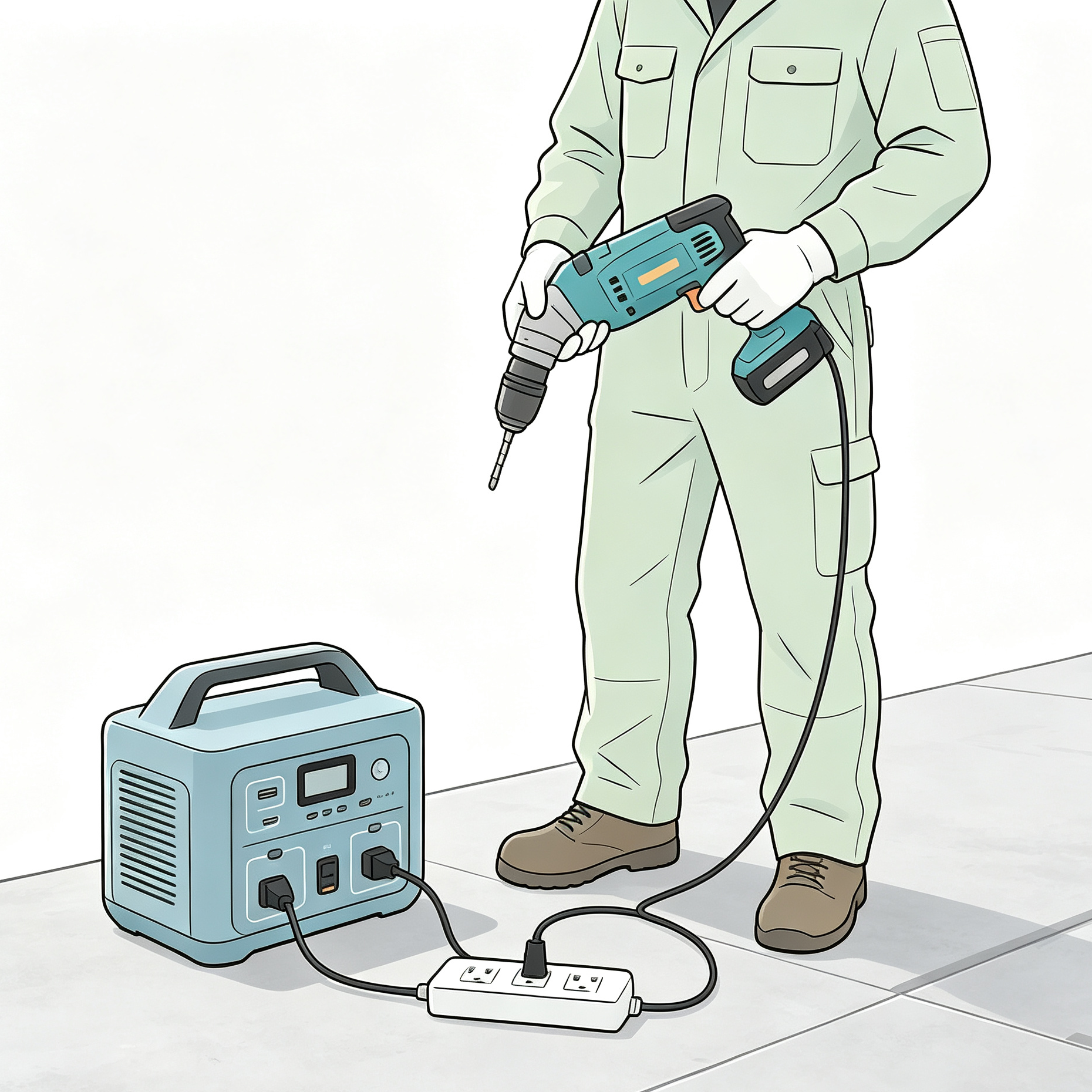
For a content creator, the equipment list may look like this:
| Equipment | Example planning value | Check before connecting |
|---|---|---|
| Camera battery charger | 30–65W | Charger output and actual input draw |
| Laptop charger | 45–100W | Peak draw during video export |
| LED panel | 20–60W | Brightness setting and continuous draw |
| 4G router or hotspot | 8–15W | AC adapter or regulated DC input |
| Wireless microphone receiver | 3–10W | USB or AC input |
| Phone charging | 5–20W | Intermittent load |
A light recording setup may sit around 120–160W. A heavier editing and lighting setup can exceed 200W. Against the IESS-05K10N’s 500W rated AC output, both may pass the continuous-power check on paper. The runtime check and the heat check still matter.
For a 150W average load:
850Wh ÷ 150W = about 5.7 hoursThat is a planning result. It will change if the laptop is exporting video, the LED panel is at full output, the battery charger is active or the station derates above its stated temperature condition.
The 400W maximum PV input and 11–60V MPPT range may help a creator recharge during a long shoot, but the solar panel voltage must be checked against the MPPT window. Do not connect a panel only because its wattage appears to match.
The station should also be kept dry and ventilated. A campsite photo can make a product look outdoor-ready, but the final enclosure rating and manual determine whether the product may be exposed to rain, dust or wet ground.
Five tests to complete before calling a model suitable for UPS use
Test 1: cold-load transfer
Connect the router, ONT, NVR and other required loads. Start them normally. Remove grid power without touching the station. Record whether the router link, NVR recording and monitor remain active.
Test 2: loaded transfer
Repeat the test with all loads running together. A light router-only test may pass while the complete CCTV system fails because of the extra monitor or PoE load.
Test 3: return-to-grid behavior
Restore utility power and watch what happens. Does the station return to bypass? Does the AC output remain stable? Does the NVR continue recording? Does the product require a manual button press?
Test 4: low-load overnight behavior
Leave the router and ONT connected for several hours. Check for low-load shutdown, fan cycling, unexpected alarms or a loss of the Wi-Fi connection.
Test 5: warm-environment test
Repeat the relevant load test in the expected installation environment. The IESS-05K10N product data states power derating above 40°C. In a closed vehicle or poorly ventilated tent, the same load may not behave like the same load in a cool room.
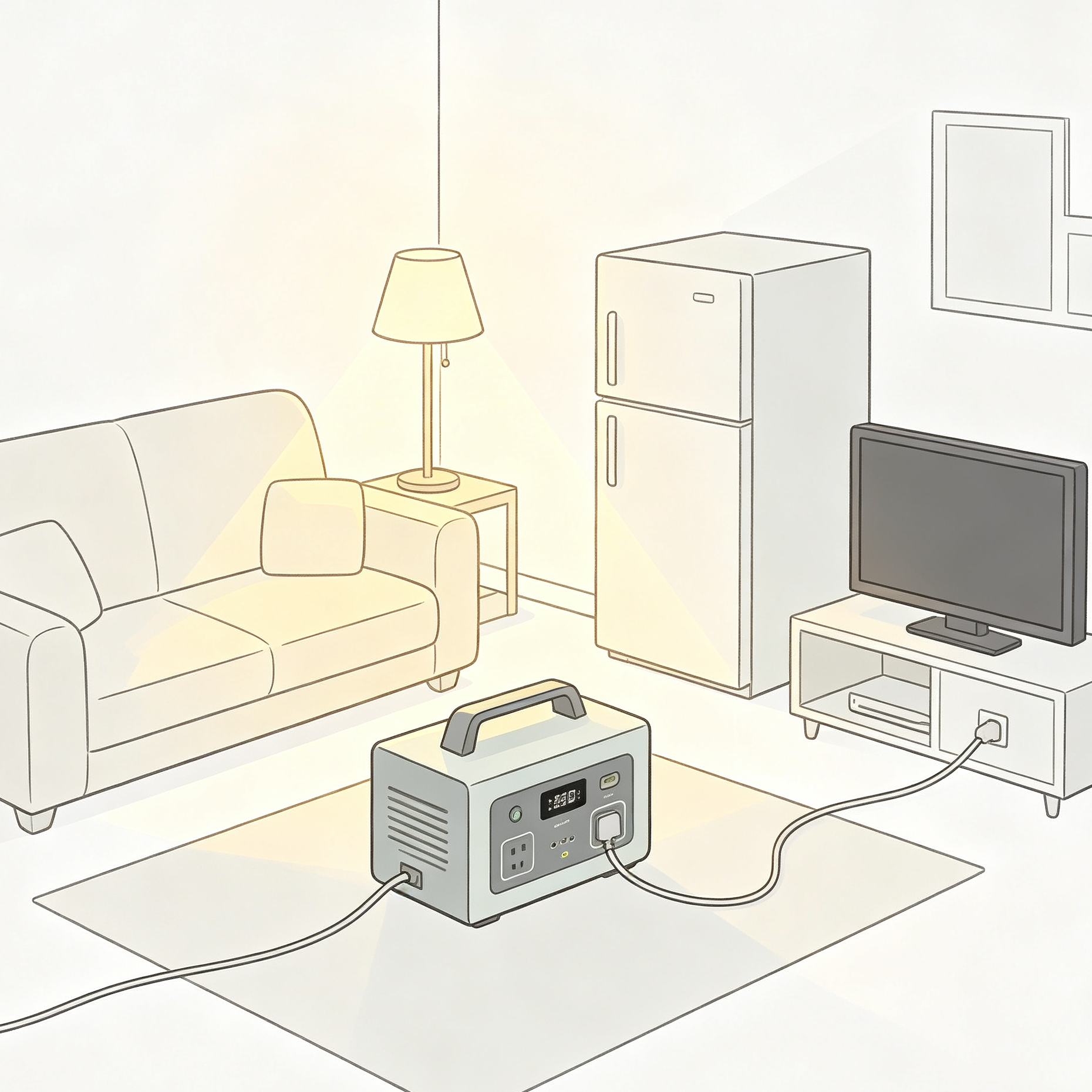
What distributors and installers should request before ordering
Ask the supplier to provide the following for the exact model and version:
- UPS transfer-time specification and test conditions;
- AC bypass diagram;
- auto-restart behavior after grid recovery;
- low-load shutdown threshold and disable option;
- AC output voltage, frequency and waveform;
- rated W and VA output;
- peak output and duration;
- DC port voltage, current, connector and polarity;
- PV input range and maximum input current;
- operating-temperature range and derating curve;
- test video or sample-test report with the customer’s load;
- datasheet, manual, packing information and destination-market documents;
- warranty process for a failed transfer, reboot or output fault.
If a supplier only sends a battery capacity number, the answer is incomplete. Buyers can also compare the available CVC product downloads before requesting the model-specific file package.
Where CVC can help with the product match
CVC supplies portable power products manufactured by selected partner factories and coordinates product matching, technical-document checks, sample discussions and export requirements.
For a router, CCTV or outdoor-work inquiry, send:
- destination country;
- router, ONT, NVR and camera models;
- the power labels or a measured watt reading;
- required backup time;
- whether AC, DC, USB or solar charging is required;
- indoor, vehicle or protected outdoor use;
- sample quantity and expected order quantity.
The Portable Power product range can be used as a starting point. For a 1kWh-class model, the IESS-05K10N datasheet and product materials should be checked together with the actual load list. If the customer needs more runtime or higher output, CVC can coordinate a review of larger portable-power configurations rather than forcing a 1kWh model into the wrong application. For a quotation or technical review, use the CVC contact page.
FAQ
Can a 1kWh portable power station run a Wi-Fi router for a full day?
Often, yes, if the router and ONT together draw only around 10–20W and the station does not shut down at low load. Using 850Wh as a planning value, 15W would equal about 56.7 hours before other real-world losses and conditions are considered. The result is only useful after the transfer and low-load tests pass.
Is a 20ms UPS transfer time enough for a router or NVR?
It may be enough for some devices, but the number should not be treated as a universal guarantee. The power supplies inside routers, NVRs, monitors and PoE equipment respond differently. Test the complete device set, not only an empty AC socket.
Can I connect a CCTV system to a portable power station?
Yes, when the total AC and PoE load stays within the station’s W and VA limits and the system passes the transfer test. An NVR’s own power draw is not the whole CCTV load if it also supplies PoE cameras.
Can I use the portable power station outdoors while camping?
Only when the specific model and installation conditions allow it. A protected canopy or vehicle is different from direct rain, wet ground and high heat. Confirm the enclosure rating, temperature range, ventilation and derating conditions before outdoor use.
Should a router use the AC socket or a DC port?
Use the DC port only when voltage, current, connector size and polarity all match. Otherwise, use the correct AC adapter through the inverter. A plug that fits physically can still be electrically wrong.
Conclusion: match continuity first, then runtime
A portable power station is a good fit for many small backup and mobile-work loads. It can keep a router online, support a small CCTV setup, or run a creator’s laptop and camera chargers at a campsite.
But the decision has two parts. First, the system must transfer cleanly enough for the actual devices to remain online. Second, the battery and inverter must support the total load for the required time.
If you are sourcing a model for a distributor, installer or project, send the device list and target runtime rather than only asking for “a 1kWh power station.” CVC can help coordinate the product match, factory confirmation, sample review and technical documents.
Form button: Send load list

Peter Yin
Send a Project Inquiry
Share your router, NVR, camera load, required backup time and destination market.